Merged 5G and Fibre Internet in Kuwait

UltraTech Kuwait designs and installs merged 5G and fibre internet for businesses across Kuwait: a multi-WAN firewall joins your fibre line with one or more 5G lines, shares connections between them and moves everything to the working line when one fails, so a cable cut or one operator's fault does not stop your site. Merging does not make a single download faster than its own line, but it raises total capacity for many users and keeps the site online.

  • Fibre + 5G on one firewall
  • Automatic failover
  • Connections shared across lines
  • All areas of Kuwait

Business site visits: Site visits are free in most areas of Kuwait. Distant areas have a location-based fee; select your area to see the exact fee before booking. Any paid visit fee is deducted from your final invoice if you go ahead with us.

Reviewed by Eng. M. Ahmed, Team Leader, Network & Project Specialist

Last updated:

Illustration: one fibre line and two 5G lines enter a single firewall, which feeds the site's internal network

Do I need more than one internet line?

  • An outage stops work. Card terminals, cameras and cloud systems all depend on one line, and a cable cut or provider fault commonly takes down every line of the same type.

  • A backup exists but it is manual. A 5G router in a drawer only helps if someone notices and moves the cable. A firewall does it automatically by probing each line continuously 2.

  • The line is full at peak hours. With many users, spreading their connections over two lines brings capacity close to the sum of both.

  • Two lines from the same provider. It adds capacity but little protection: a provider fault or cable cut commonly takes both.

  • You want one faster download. Merging two lines does not do that without the provider's involvement, because each connection uses one line.

If an outage stops your work, you most likely need a second line on a different path. We confirm that with your critical applications before you buy anything.

Failover, load balancing or bonding?

The words get mixed up. This is the actual difference:

FailoverLoad balancingBonding (aggregation)
What it doesA standby line takes over when the main one failsSpreads connections over the lines, one connection at a time 2Joins lines into one pipe and needs the provider's help 4
One big downloadOne lineOne line, since each connection uses one line 2Sum of the lines
Many usersMain line onlyClose to the sum of the linesSum of the lines
Best forA 5G or LTE line on a small data cap as backupTwo healthy lines of similar qualityOnly where the provider offers it (MLPPP) 4

How the firewall decides

Sharing by connection

Illustration: many connections are shared between two lines, and each connection stays on one line from start to finish
  • The firewall sends each new connection out of one line in turn; it never splits a single connection across two lines 2.
  • If line 1 is 50 Mbit/s and line 2 is 100 Mbit/s, we weight them 1 and 2: of every three connections, one uses line 1 and two use line 2.
  • The weight counts connections, not load, so a line filled by one large download still receives new connections.
  • We organise lines in groups: lines in the same group share traffic, and when a group is down traffic moves to the next.

How it knows a line is down

Illustration: the firewall sends regular health probes on every line and removes a line once loss or delay passes the limit
  • It pings an outside monitor address through each line, and if replies stop or loss or delay pass a limit, the line is removed 2.
  • These values differ by device and by line. 5G and fibre behave differently, so we tune them per site and prove them by pulling the cable.

Which lines to combine

CombinationProtects you fromWatch out for
Fibre + 5GA fibre cable cut or fibre-provider fault, since the 5G path is different5G upload is far thinner than download 1, and a capped plan suits backup only
5G + 5G from two operatorsA fault at one operatorBoth depend on towers in range of your site, so we measure each operator's signal on site
Fibre + fibre, same providerOnly a modem or router failure; better for extra capacity than protectionA provider fault or cable cut takes both lines
Fibre + fibre, two providersA fault at one providerThey may share a path, and one cut can take both, so we ask about each line's route

A 5G line worth merging needs a strong signal on site, which often means an outdoor unit: outdoor 5G installation.

Figures that help you decide

5G is now a real second line, not just a token backup, but the published figure is a median across all users and not what your site gets.

  • 514.59 Mbps

    Median 5G download on Zain in Kuwait, Q1-Q2 2026 (Ookla) 1

  • 34.74 Mbps

    Median upload in the same measurement, about 7% of download (our arithmetic) 1

  • 4

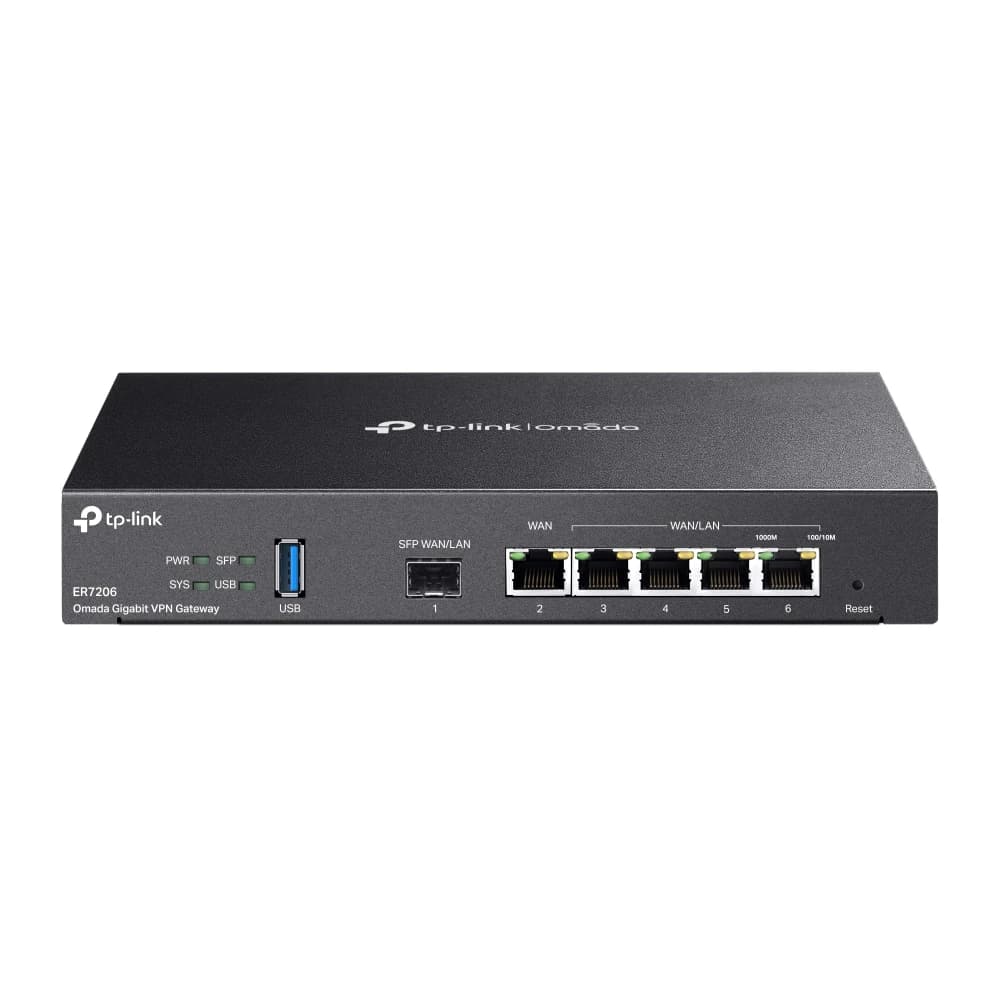
    Most WAN ports on the ER7206 router (one SFP and three copper) 6

  • ¼ – ½

    Share of connections that move to another line when a line is added or removed with hash-threshold selection 3

We could not open a published Ookla or Opensignal median for stc and Ooredoo, so we state no figure for them.

Worked examples

These are illustrative scenarios with assumed numbers, not customers or completed projects.

Scenario

Branch shop: fibre with a 5G standby

  • Fibre is in group 1 and 5G in group 2. 5G receives no connections unless the probes mark fibre down.
  • This failover-only pattern suits a line on a small data cap that you do not want running all day.
  • Connections already on the failed line must reconnect; forcing that is optional and off by default because it can be disruptive 2.
Scenario

40-person office: 200 Mbps fibre and 100 Mbps 5G

  • We weight fibre 2 and 5G 1: about two thirds of new connections go on fibre and one third on 5G .
  • Many staff means many connections, so total use approaches the sum of both lines.
  • One large file download still stays on a single line.

Scenario

Clinic: critical services on one line, the rest on the other

  • We route voice calls and the appointment system over the better line, and updates and guest Wi-Fi over the other.
  • If the better line fails, everyone moves to the other under the same rule.
  • Some bank sites tie a session to your IP address, so we pin those destinations to one line.

What we deliver

  • Multi-WAN firewallA device that handles several lines: yours, or one we supply.

  • 5G line with a strong signalAn indoor or outdoor unit, chosen from the signal reading.

  • Cabling and hand-offClean cabling into your network and VLAN design.

  • Line health checksProbes and limits set for each line.

  • Routing rulesWhich application uses which line, and what moves when one fails.

  • Handover reportSettings and the pull-the-cable test recorded.

How the work runs

  1. 1

    Site visit and line auditWe review your lines and their routes and the applications that must not drop, and we measure 5G signal.

  2. 2

    DesignWe set groups, weights, probe settings, NAT and VLANs.

  3. 3

    Install and cut overWe install the firewall and any outdoor unit and switch the network over with a rollback plan.

  4. 4

    Test and handoverWe pull the main line's cable and watch the switch, then hand over a report of the settings.

Technical detail

For engineers and network administrators. Figures come from IETF RFCs and manufacturer specifications.

How flows are spread over lines

General rules from IETF references. Business routers apply them in different ways, and we set each site to suit its device.

MethodWhat happensWhy it matters
Per packet (round robin)Packets of one connection can take different paths and arrive out of order 2It can cause needless TCP retransmissions, so we avoid it 2
Per connection (hash)All packets of a connection stay on one line 2The method we use for balancing
Adding or removing a lineWith hash-threshold, roughly a quarter to a half of connections change line 3Connections already open may need to reconnect
Few connectionsHash selection spreads evenly only with many connections 2This is why one large download stays on one line
Joining lines into one pipeBoth ends must support it, so the provider too (MLPPP) 4We rely on it only where the provider offers it
What breaks if you ignore it
  • Some sites, often banks, tie a session to your IP address, so a later connection out of another line breaks the site. The fix is to send those destinations to a failover-only group, or use sticky connections.
  • Dynamic DNS can move a hostname from one line to the other on failure.
  • 5G lines may sit behind carrier-grade NAT, meaning no public address of your own 7. If you need inbound access (cameras, VPN), we check for a public address or use an outbound tunnel.
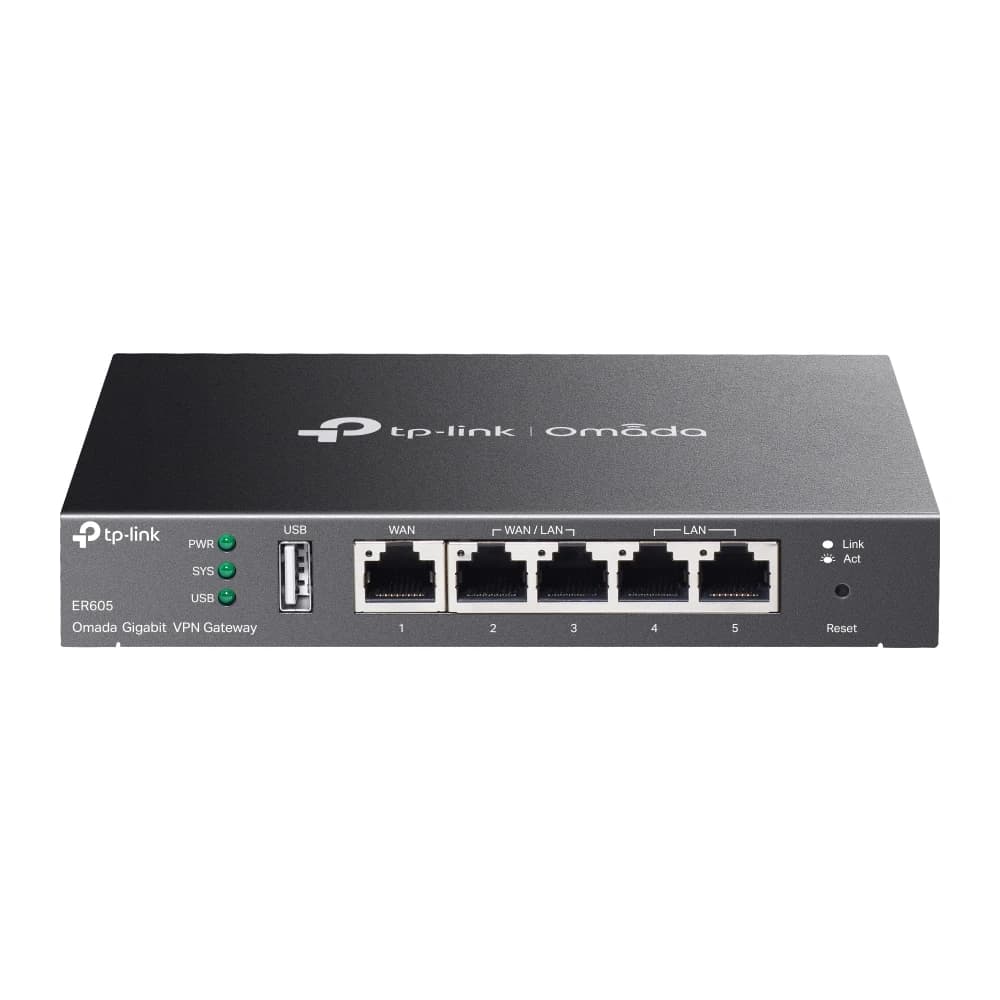
Two example routers: what the datasheets say
TP-Link ER605TP-Link ER7206
WAN portsUp to 3 (one fixed, two switchable) 5Up to 4 (SFP, copper, two switchable) 6
USB4G/3G modem for backup 5Not stated on the product page
Concurrent sessions150,000 5150,000 6
NAT throughputAbout 945 Mbps 5About 940 Mbps 6
IPsec tunnels20 5100 6
Balancing and failoverLoad balance and link backup 5Load balance and link backup 6
A note on 5G units
  • The ER605's USB port accepts a 4G/3G modem 5, so an outdoor 5G unit connects by Ethernet to a WAN port (our engineering conclusion).
  • Datasheet figures are the maker's lab measurements, not what you will get on site.

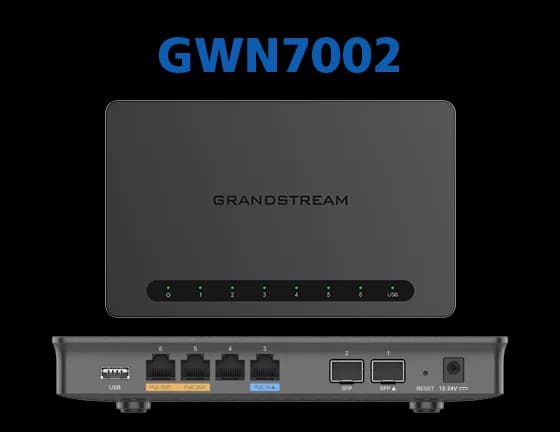
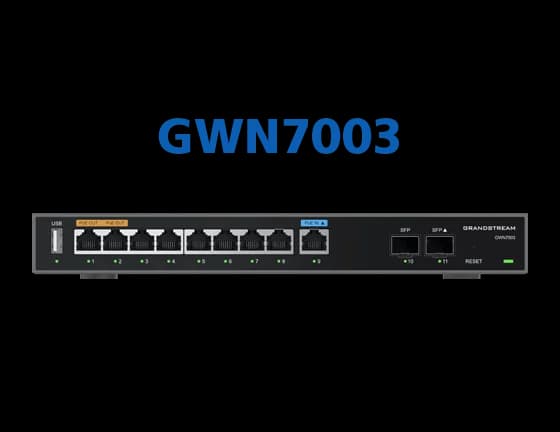
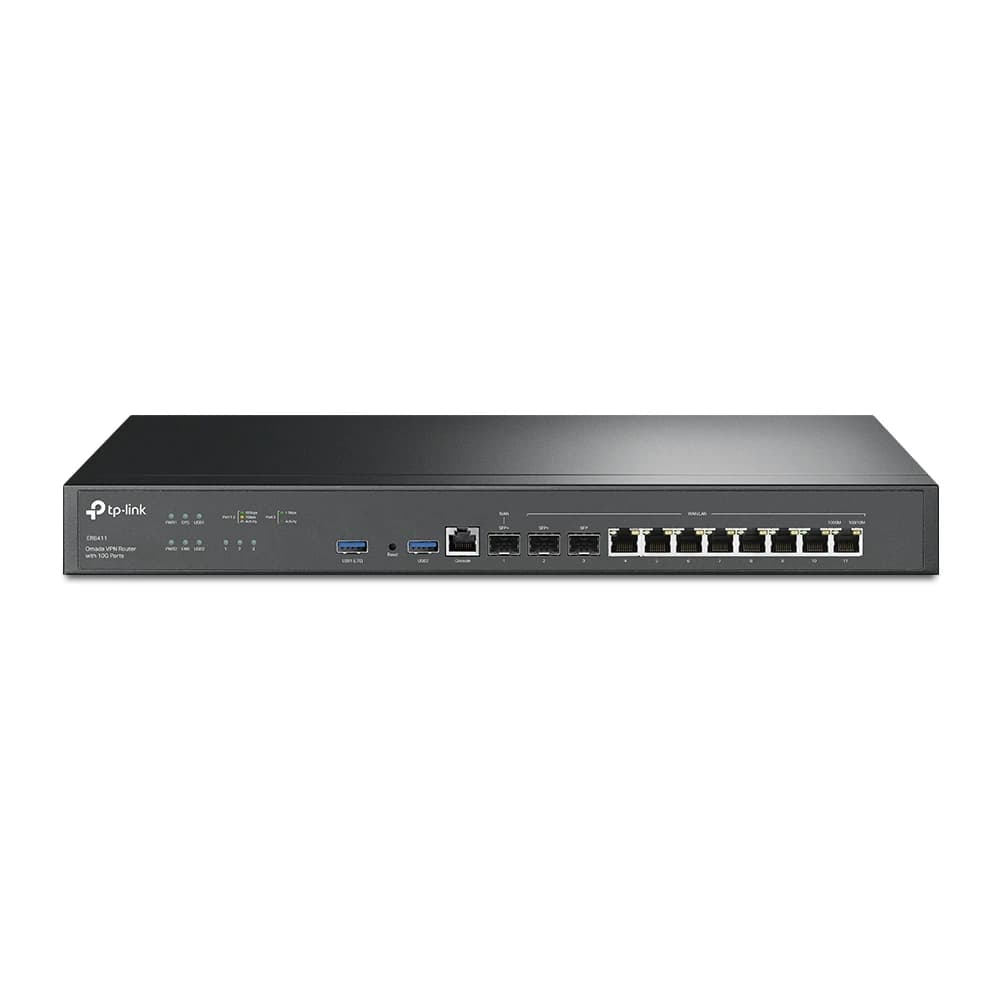
Multi-WAN routers we stock

We choose the final model from your number of lines and network size.

For companies and branches

For company-wide design, from multi-branch networks to carrier circuits with service agreements, see the business pages: 5G business internet, multi-WAN failover, load balancing. Maintenance contract clients get a same-day response to critical faults; regular visits run 09:00–18:00, with critical faults only outside those hours.

Frequently asked questions

What is merged 5G?
It is a multi-WAN firewall or router with several lines connected, such as fibre with 5G, which shares connections between them and moves work to the working line when another fails. Your internal network sees one path to the internet.
Do two lines mean a download twice as fast?
Not for a single download, because each connection uses one line. With many users their connections are spread, so capacity approaches the sum of both lines. Joining the two into one pipe needs the provider's involvement.
How long does the switch take after a failure?
It depends on the probe settings. We set how often each line is probed and how many failed probes remove it, per site and test by pulling the cable. Connections on the failed line may need to reconnect.
Fibre plus 5G, or two operators?
Two lines on different paths are best. A 5G path differs from the fibre cable's, which protects you from a cut. Two lines from the same provider add capacity more than protection.
Can you work with my current firewall?
Yes, if it supports multi-WAN with line health checks. We review it on the visit, and if it does not, we recommend a replacement.
What happens to VPN and remote camera access when it switches?
Your public address changes when you move to another line. Dynamic DNS can move the hostname between lines, but 5G lines may be behind carrier-grade NAT with no public address. We check this in the design.

Sources

Every figure on this page comes from a source we opened and read.

  1. 1.Zain Kuwait retains triple Ookla Speedtest titles for its 5G networkKuwait Times (citing Ookla, Q1-Q2 2026), 28 Sep 2026
  2. 2.RFC 2991: Multipath Issues in Unicast and Multicast Next-Hop SelectionIETF, Nov 2000
  3. 3.RFC 2992: Analysis of an Equal-Cost Multi-Path AlgorithmIETF, Nov 2000
  4. 4.RFC 1990: The PPP Multilink Protocol (MP)IETF, Aug 1996
  5. 5.ER605: Omada Gigabit VPN Router (specifications)TP-Link (UAE product page), accessed 15 Nov 2026
  6. 6.ER7206: Omada Gigabit VPN Router (specifications)TP-Link (UAE product page), accessed 15 Nov 2026
  7. 7.RFC 6598: IANA-Reserved IPv4 Prefix for Shared Address Space (Carrier-Grade NAT)IETF, Apr 2012

All opened on 15 November 2026. We do not cite what we could not open: an Ookla or Opensignal median for stc and Ooredoo, and Grandstream's specifications.