Indoor 5G Router Installation in Kuwait

UltraTech Kuwait installs indoor 5G routers in homes and offices across Kuwait: we find the best spot with live signal readings, connect the router to your Wi-Fi or your firewall, and record a speed test at handover. If walls or glass leave too little signal indoors, the better fix is an outdoor unit, and we tell you so after measuring.

Home technical visits: Site visits are free in most areas of Kuwait. Distant areas have a location-based fee; select your area to see the exact fee before booking. Any paid visit fee is deducted from your final invoice if you go ahead with us.

Reviewed by Eng. M. Ahmed, Team Leader, Network & Project Specialist

Last updated:

Illustration: signal from the tower through the window glass to an indoor 5G router, then by cable to a Wi-Fi access point in the far room
  • Zain, stc and Ooredoo SIMs
  • Placed by live signal readings
  • Bridge mode into your firewall
  • Homes, offices and branches

01

Is an indoor 5G router enough?

  • Fibre is not available at your address. A 5G router can be your main line. Zain's median 5G download in Kuwait was 514.59 Mbps in Q1–Q2 2026, as measured by Ookla users 1.

  • You want internet without civil works. The router needs power, a good spot and a SIM: no digging and no cable from the street.

  • A backup line for the office. A second router on a different carrier behind the firewall keeps work running if the main line drops. Detail in the business section.

  • The signal at the window is strong. If your phone shows strong 5G near the window, an indoor router is usually enough. If readings stay weak even at the best spot, an outdoor unit fits better.

We settle it by measuring at your address, not by guessing: if the best indoor spot is still weak, we recommend the outdoor unit instead.

02

Where the router goes

Plan view: a router by the window picks up the signal, the same router in the middle of the house does not, and one cable carries Wi-Fi to the far room
  • High and in the open. A router vendor's published guide recommends an elevated spot in open space with minimal interference, because buildings, trees and walls can degrade cellular signal 4.

  • Away from interference. The same guide advises keeping clear of large motors, variable-speed drives and other high-power electrical equipment, and keeping antenna connections tight 4.

  • Test more than one spot. We take live RSRP, RSRQ and SINR readings at the window, on the upper floor and in the middle of the building before the final fix (our method).

  • Wi-Fi by cable, not by air. The best signal spot is often far from the rooms. We run Ethernet to an access point or a wired mesh instead of relying on one router's Wi-Fi (our method).

03

What the studies and standards say

Figures are quoted as published, with their date, and anything we calculated is labelled. Numbers in brackets point to the sources at the bottom of the page.

  • 514.59 Mbps

    Zain's median 5G download in Kuwait, Ookla, Q1–Q2 2026; median upload 34.74 Mbps 1

  • ≈ 15.7 dB vs ≈ 30.9 dB

    Median building entry loss at 3.5 GHz, horizontal path, traditional vs thermally-efficient buildings: our calculation from ITU-R P.2109-2 3

  • ≈ 29 dB vs ≈ 49 dB

    Loss not exceeded in 9 of 10 locations (probability 0.9), same model and same calculation 3

  • Outdoor + mesh

    Zain's July 2026 announcement for homes where concrete, insulation or distance weaken indoor reception: an outdoor 5G unit with an eero Pro 7 mesh system and outdoor installation support 2

Illustration: the same signal loses less through a traditional building and more through a thermally-efficient one with metallised glass

Building entry loss at 3.5 GHz, dB

Horizontal path, our calculation from ITU-R P.2109-2; the median, then the worse spots (9 in 10) 3

  • Traditional, median≈ 15.7 dB
  • Thermally-efficient, median≈ 30.9 dB
  • Traditional, 9 in 10 spots≈ 28.7 dB
  • Thermally-efficient, 9 in 10 spots≈ 49.3 dB

Signal quality bands (RSRP)

Thresholds from one router vendor's guide; indicative only 4

  • Very poor

    < −100 dBm

  • Fair / poor

    −90 to −100

  • Good

    −80 to −90

  • Excellent

    ≥ −80 dBm

The ITU-R figures are our arithmetic on the Recommendation's Table 1 coefficients, for a horizontal path (elevation angle zero). It is a statistical model of typical buildings, not a measurement of yours.

04

What we do

  • Router and SIMWe set up the router with the Zain, stc or Ooredoo SIM you choose, and the basic settings.

  • Placement and tuningLive readings in more than one spot, and band locking where it gives a steadier link.

  • Bridge into your firewallWe put the router in bridge mode and hand the connection to your firewall so there is no double NAT.

  • Cable to your Wi-FiEthernet to access points or a wired mesh, with a guest network and separate networks where needed.

  • More than one routerRouters on different carriers behind one device for load sharing or automatic failover.

  • Handover reportSpeeds, settings and photos recorded at the end.

Who does what

  • UltraTechRouter placement and setup, connecting it to Wi-Fi and the firewall, testing and handover, and an outdoor unit when it is the better fix.
  • Your carrier (Zain, stc, Ooredoo)The SIM, the plan, the network and its coverage, and any in-building cellular system such as DAS or small cells: operator-led work that we do not offer here.
  • Nobody can promiseSpeed on a given day: it moves with tower load, which is why we record the measured speed at handover and do not promise a number.

05

How a job goes

  1. 1

    Site visitWe measure signal at the window, upstairs and mid-building, and choose the spot and the cable route.

  2. 2

    Mount and connectWe fit the router, power it and connect it to Wi-Fi or the firewall.

  3. 3

    ConfigureBridge mode, guest network or VLANs, and band locking where it helps.

  4. 4

    Test and hand overSpeed and stability tests, then a report with measurements and settings.

06

Worked examples

Scenarios that apply the sourced figures. They are not customer jobs and not measurements we took.

Arithmetic illustration

A villa behind metallised glass

  • Suppose a meter just outside the window reads −75 dBm, which is Excellent on the table 4.
  • Subtract the median entry loss at 3.5 GHz 3: about −91 dBm indoors for a traditional building (Fair / poor), about −106 dBm for a thermally-efficient one, below the −100 dBm line for Very poor 4.
  • In the worse spot of every ten (probability 0.9) it is about −104 dBm even in the traditional building 3. That is why we measure at the address and try more than one position.
Design, no figures

An office with two carriers

  • One router per carrier in bridge mode behind one firewall: if one line drops the other carries on, or the load is shared.
  • Each router is placed at its own best spot by its own readings; two carriers can read differently in the same building.

From the Wi-Fi Alliance

Choosing the Wi-Fi bands

  • The Wi-Fi Alliance says Wi-Fi 6 introduced the 6 GHz band 5. We set Wi-Fi up on 2.4 and 5 GHz, which every device supports, and do not promise 6 GHz.

07

Indoor router or outdoor unit?

Indoor router or outdoor unit?
AspectIndoor 5G routerOutdoor 5G unit
Where it sitsInside, near a windowOn the roof or an outside wall
Install effortThe simplest, usually one visitMast or bracket, outdoor cable and earthing
Best whenGood signal at the window; flats and officesMetallised glass, heavy insulation, basements and villas far from the tower. where indoor reception is hit by concrete, insulation or distance, Zain announced an outdoor unit with mesh 2
LimitMore entry loss means a lower reading 3Needs a cable route and a safe mounting point

Detail and units on our outdoor 5G page.

08

For businesses and branches

Illustration: two carrier routers into one firewall, then the office network

In an office or branch an indoor router is usually a second line beside fibre, or a temporary main line. We put it in bridge mode on your firewall, and we can combine two routers on different carriers for load sharing or automatic failover. The detail is on our business pages: 5G business internet, Multi-WAN failover, Load balancing. Maintenance contract clients get a same-day response to critical faults; regular visits run 09:00–18:00, with critical faults only outside those hours.

09

Technical depth

Open a block for the detail. The numbers in brackets are the sources below.

Reading the signal: RSRP, RSRQ and SINR

We place the router by these readings. The labels are one router vendor's published guide, so read the thresholds as indicative: modems and carriers differ 4.

Reading the signal: RSRP, RSRQ and SINR
MetricWhat it measuresExcellentGoodFair / poorVery poor
RSRPPower of the reference signal from the serving cell 4≥ −80 dBm−80 to −90−90 to −100< −100 dBm
RSRQSignal quality against total received power 4≥ −10 dB−10 to −15−15 to −20≤ −20 dB
SINRWanted signal against interference plus noise 4≥ 20 dB13 to 20 dB0 to 13 dB≤ 0 dB
  • A strong RSRP with a poor SINR points to interference or a busy cell, not good coverage, so the nearest tower is not always the best one (our engineering note).
Building entry loss: the model and the numbers

ITU-R P.2109-2 gives a statistical distribution of loss and splits buildings into traditional and thermally-efficient; where metallised glass or foil-backed panels are used, loss is generally significantly higher 3.

Building entry loss: the model and the numbers
CaseMedian (probability 0.5)Not exceeded in 9 of 10 locations (0.9)
Traditional, 3.5 GHz≈ 15.7 dB≈ 28.7 dB
Thermally-efficient, 3.5 GHz≈ 30.9 dB≈ 49.3 dB
  • We calculated these from equation (1) and Table 1 of the Recommendation at elevation angle zero. In the model, entry loss covers the wall and the path inside the building together and does not separate them 3.
  • The Recommendation lists metallised glass windows, insulated cavity walls, thick reinforced concrete and metal-foil back cladding as good indications of a thermally-efficient building, and notes that poorly insulated windows can make a whole building thermally inefficient 3.
  • It applies from about 0.08 to 100 GHz, describes a distribution over many buildings rather than one, and is based on measurements from 80 MHz to 73 GHz 3.
Wi-Fi: bands and generations
  • The Wi-Fi Alliance says Wi-Fi 6 delivers higher capacity and stronger performance in dense environments, using OFDMA and multi-user MIMO 5.
  • In July 2026 Zain described an eero Pro 7 system with wireless speeds up to 3.9 Gbps and more than 200 connected devices per unit; these are the offer's stated figures 2.
5G in Kuwait: what we could verify
  • Zain rolled out 5G-Advanced across most of Kuwait in July 2025; compatible customers were upgraded automatically at no extra cost 6.
  • In August 2025 5G-A was deployed for all three operators, Ooredoo, Zain and stc, with Huawei and Knetco; the coverage describes speeds "up to ten times faster than current 5G" as a design goal 7.
  • We could not open a source listing the bands each operator uses today, nor official specifications for any particular indoor router, so we publish no band lists or device figures. We read the datasheet of the unit we choose for you and check what the network delivers at your address.
Bridge mode, double NAT and CGNAT
  • A router left in router mode behind a firewall translates addresses twice. Bridge mode passes the carrier's address to the firewall so it alone is in charge (our engineering note).
  • Carriers can number links with carrier-grade NAT, and the IETF reserved the shared block 100.64.0.0/10 for the links between provider devices and customer equipment 8. If the WAN address is in that block, inbound port forwarding generally will not work (our engineering note); we use a carrier public IP, a VPN or a cloud relay.
What we could not verify
  • Which bands each carrier uses today, and whether 6 GHz Wi-Fi is open in Kuwait.
  • Carrier shop pages need a browser to display, so we quote no prices or device lists from them.
  • Official specifications of particular indoor routers; this page therefore names no model and no device speed.

10

Network equipment behind the router

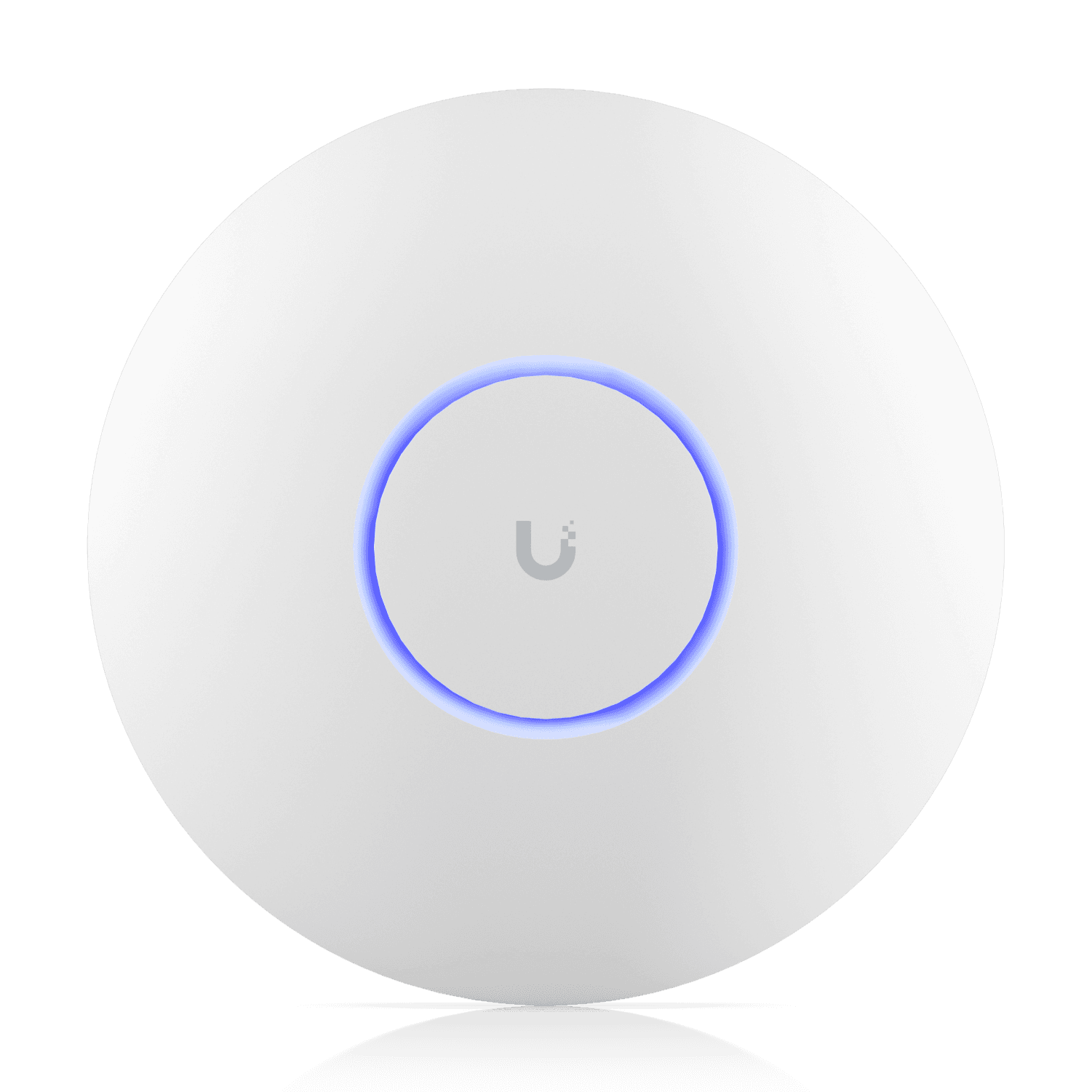
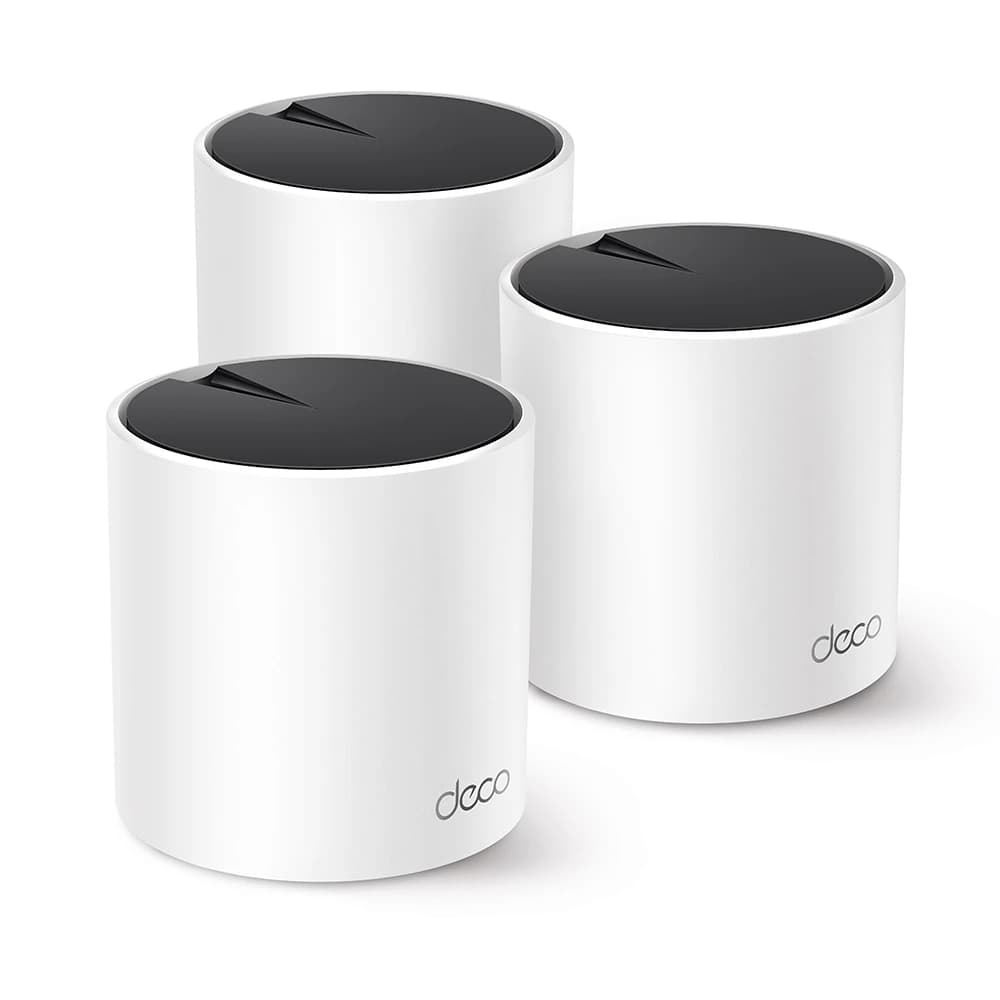
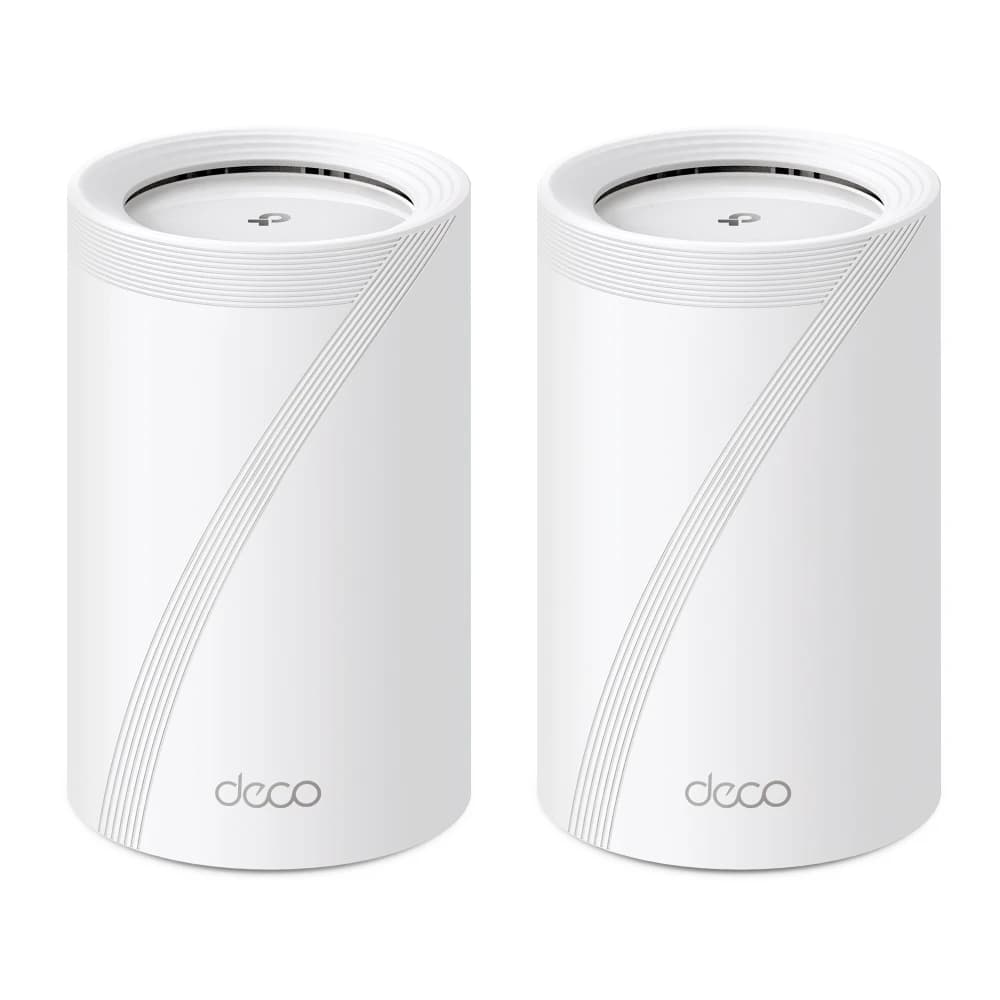
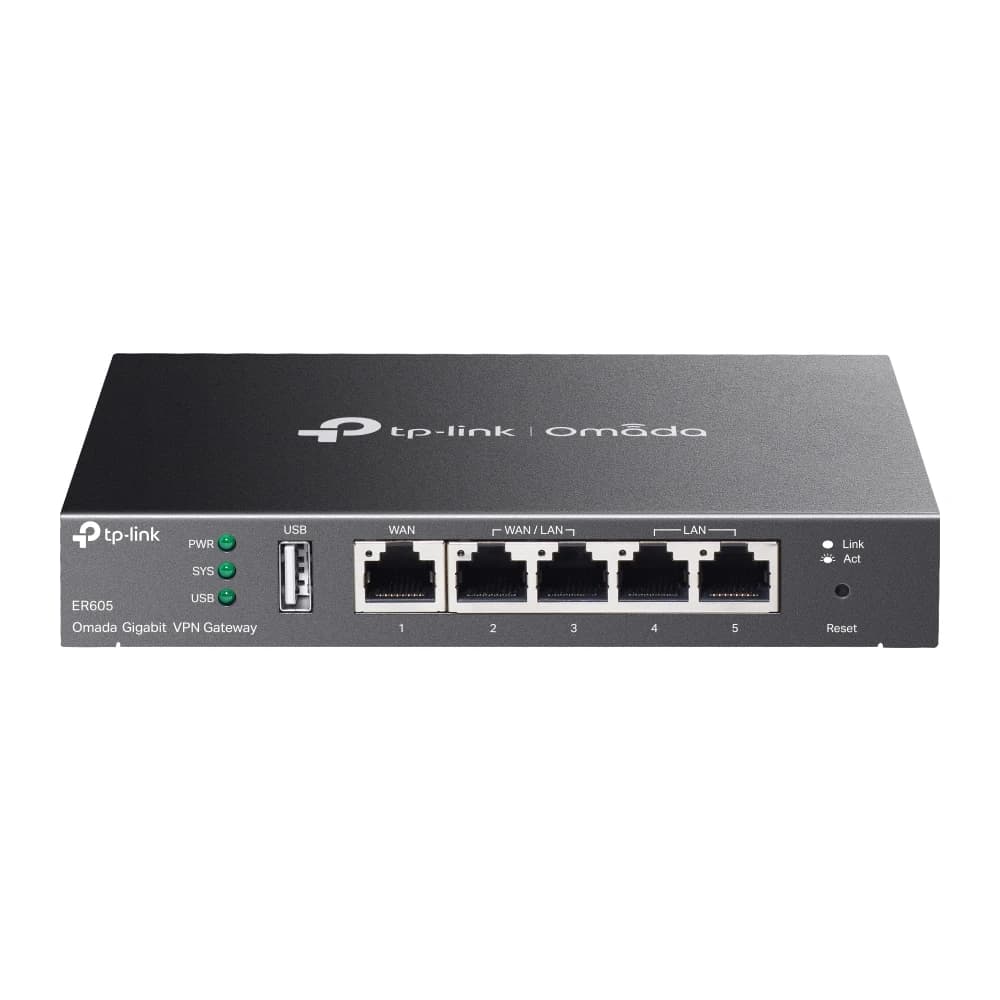
Wi-Fi and routing from our catalogue. We choose the indoor 5G router after measuring your signal and supply it to order.

Outdoor 5G units we stock are on our outdoor 5G page.

11

Common questions

Indoor 5G router or outdoor unit: which do I need?
If the reading at the window is good, indoor is usually enough. With metallised glass, heavy insulation, a basement or a long way from the tower, an outdoor unit on the roof is the better fix. We measure at your address and recommend one.
Which SIM should I choose: Zain, stc or Ooredoo?
We work with all three. The best differs by address, so we measure and recommend. In offices we sometimes combine two routers on two carriers for independent paths.
Will it work on the ground floor, in a basement or mid-building?
Usually weaker, because entry loss grows with walls and insulation. We try more than one spot, and if readings stay weak we suggest a cable from a better spot or an outdoor unit.
Can I keep my own firewall or router?
Yes. We put the 5G router in bridge mode and hand the connection to your firewall or router, so there is no double NAT and your policies stay yours.
Do you install in-building cellular coverage such as DAS or signal boosters?
Not here. In-building cellular systems are operator-led work by licensed operators, and we point you to your carrier. What we do is the router, the Wi-Fi, the firewall and an outdoor unit where needed.
How long does it take and what does it cost?
A simple single-router job is usually done in one visit once we agree the plan. The router and any cabling are quoted after measuring, for the model that suits your signal. Home technical visits: Site visits are free in most areas of Kuwait. Distant areas have a location-based fee; select your area to see the exact fee before booking. Any paid visit fee is deducted from your final invoice if you go ahead with us.

Let us measure the signal at your address

Home technical visits: Site visits are free in most areas of Kuwait. Distant areas have a location-based fee; select your area to see the exact fee before booking. Any paid visit fee is deducted from your final invoice if you go ahead with us.

12

Sources and further reading

Every figure above comes from these pages, or from our calculation stated on them. Items marked "our method" or "our engineering note" are our own practice, not sources.

  1. 1.Zain Kuwait retains triple Ookla Speedtest titles for its 5G networkKuwait Times (citing Ookla, Q1-Q2 2026), 28 Sep 2026
  2. 2.Zain brings enhanced whole-home connectivity experience with the latest 5G internet solutionKuwait Times, 15 Jul 2026
  3. 3.Recommendation ITU-R P.2109-2: Prediction of building entry lossITU Radiocommunication Sector, Aug 2023
  4. 4.Teltonika: Signal Range Anxiety with 4G/5G Signal Metrics (RSRP, RSRQ, SINR)Forest Rock knowledge base, Jun 2026
  5. 5.Wi-Fi CERTIFIED 6Wi-Fi Alliance, accessed 15 Nov 2026
  6. 6.Zain launches 5G-Advanced across KuwaitRCR Wireless News, 2 Jul 2025
  7. 7.Kuwait deploys 5G-A with Huawei and KnetcoRCR Wireless News, 25 Aug 2025
  8. 8.RFC 6598: IANA-Reserved IPv4 Prefix for Shared Address SpaceIETF, Apr 2012

Opened and read on 15 November 2026. Zain's shop pages need a browser to display, and Opensignal's reports, Ookla's own pages, the 3GPP/ETSI specifications and the router makers' datasheets for indoor models were not opened, so we cite no number from them.